The latest update for iSMA CONTROLLI HMI panels, including PA-LED10, PA-LED13, iSMA-D-PA7, iSMA-D-PA10, and iSMA-D-PA15, introduces iC SmartView version 5.4.1, bringing significant improvements in usability, security, and integration capabilities. The panels provide seamless access to Niagara stations and web-based controller interfaces, supporting efficient daily operation in modern building automation systems. With features such as automatic login, kiosk mode, remote configuration, and support for HTML5 web servers, the updated version further enhances both everyday operation for users and configuration possibilities for system integrators.

Improved user experience on HMI Panels
The latest release, version 5.4.1, introduces several enhancements that directly improve usability for end users working with HMI panels on a daily basis. One of the most noticeable additions is pinch-to-zoom functionality in Web Views, allowing users to easily zoom in and out of web interfaces. This significantly improves readability and navigation, especially when working with complex dashboards or detailed visualizations.
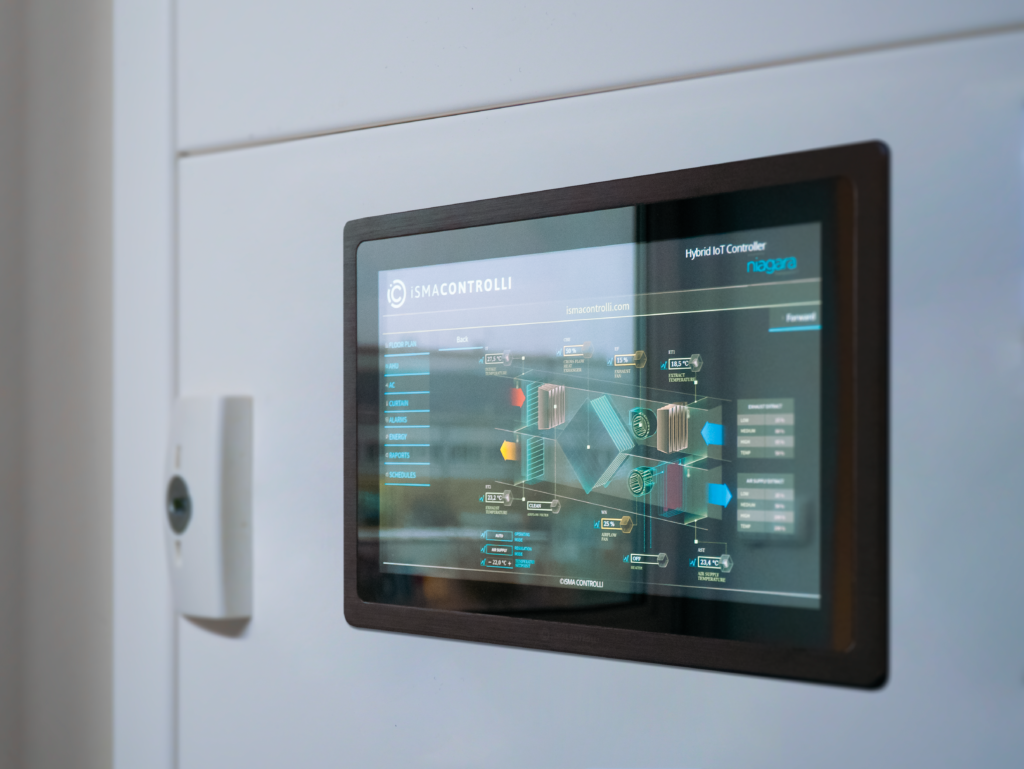
Another practical improvement is the introduction of built-in PDF file support. Now, users can open and view documentation, schematics, or manuals directly within iC SmartView, without the need for external applications. This also streamlines service and maintenance tasks, making all necessary resources available in one place.
Advanced Configuration and Installer Benefits
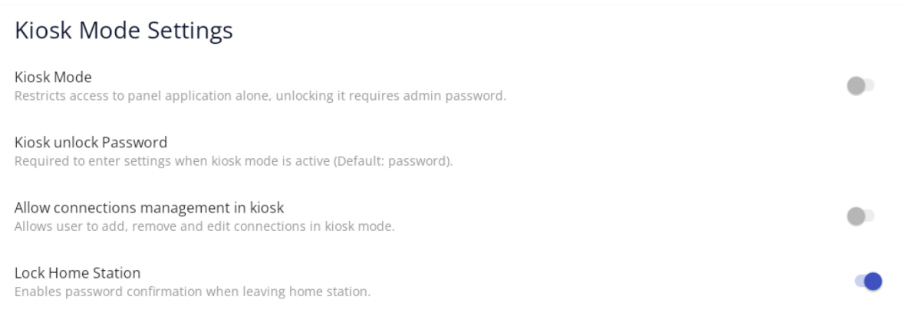
The new version also brings a range of features aimed at system integrators and installers, focusing on flexibility, security, and remote management capabilities. The introduction of the Home Station Lock feature enables password protection for the main view, ensuring controlled access to the application and improving security in multiuser or public environments.
In addition, the ability to configure multiple independent views linked to a single IP address significantly increases flexibility in system design. Integrators can now create different views or functional layouts for the same device without duplicating connections, making system configuration more efficient and scalable.
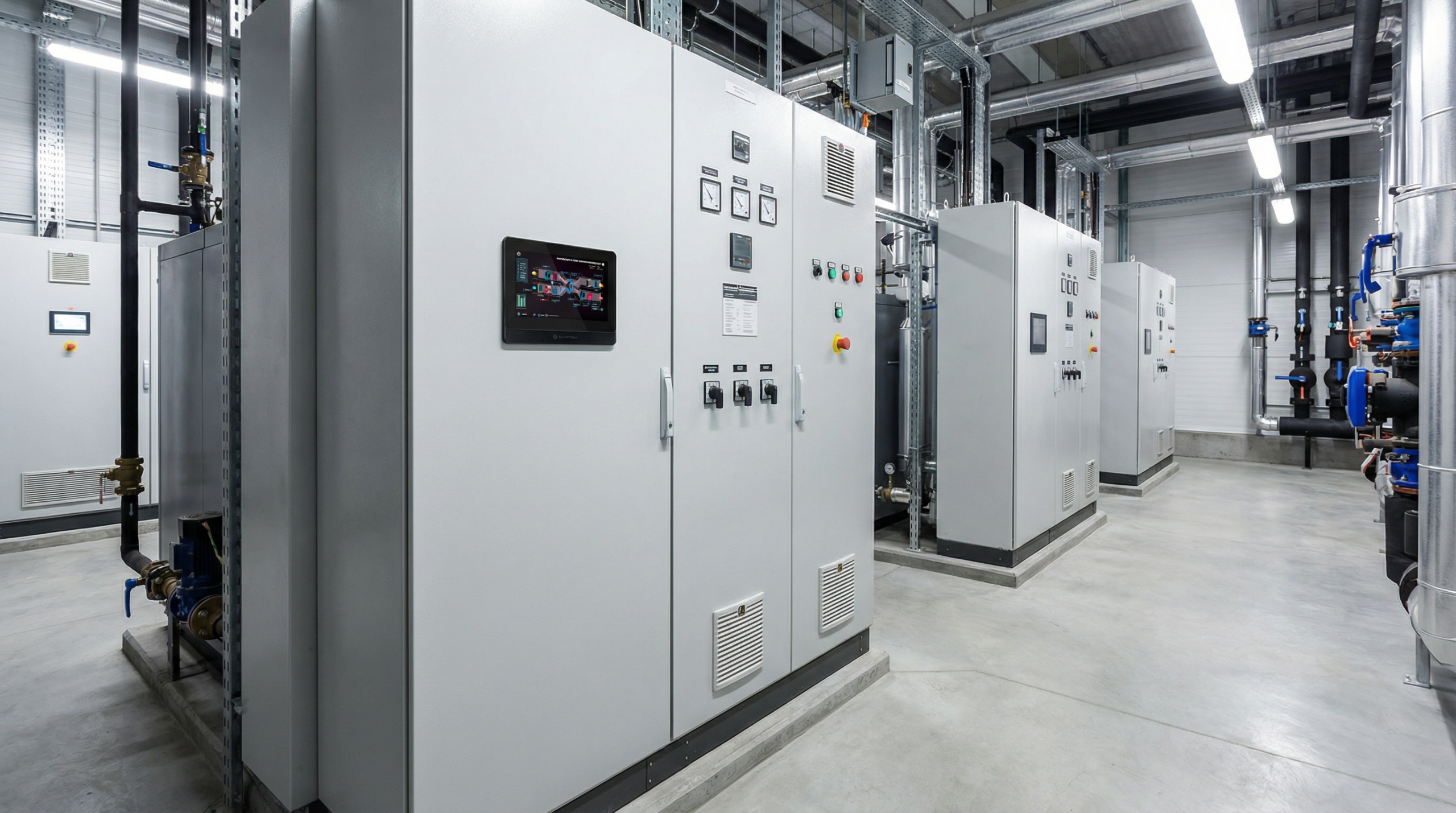
From an integration standpoint, new API endpoints enable remote triggering of auto-restart and bringing the application to the foreground, further enhancing possibilities for cloud-based management and automation.

iC SmartView Config Service Update
The iC SmartView Config Service for the Niagara Framework® has also been updated to align with the new capabilities introduced in iC SmartView 5.4.1 and to further simplify centralized configuration from the Niagara platform. It is a dedicated service that enables remote configuration and management of the iC SmartView application directly from the Niagara station. This allows integrators to control application behavior, settings, and selected functions without needing physical access to individual HMI panels.
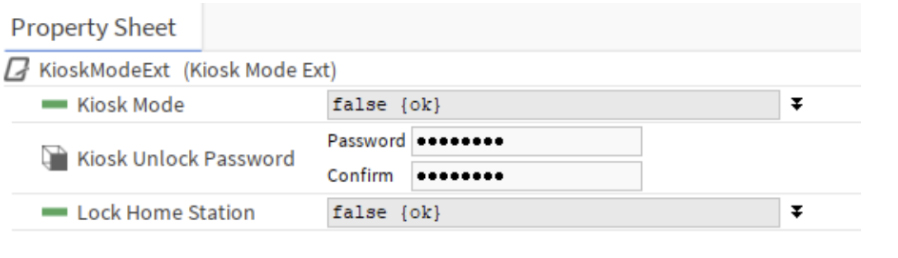
The update introduces several new components that expand control over application behavior. The AutoRestartExt component enables remote configuration of automatic restart functionality, improving system reliability and reducing the need for on-site maintenance. Additionally, the new LockHomeStation slot within the KioskModeExt component allows centralized management of access restrictions, making it easier to enforce security policies across installations.
Together, these enhancements improve efficiency during commissioning and maintenance, while giving system integrators greater flexibility and control when managing larger or more complex buildings.